Description
SPECIFICATIONS
Accessory Type: none
Brand Name: podofo
Built-in CD player: No
Built-in DVD Player: No
Built-in Screen: Yes
Car Maker: Universal 1 din Car Multimedia Player
Category: Car Radio
Certification: CE
Chipset: no
Digital Media Format: Mp3,WMA,JPEG
Din: One Din
Display Size: 7″
For Vehicle Brands/Model: Universal
High-concerned chemical: None
Interface: US/TF
Is touch screen: Yes
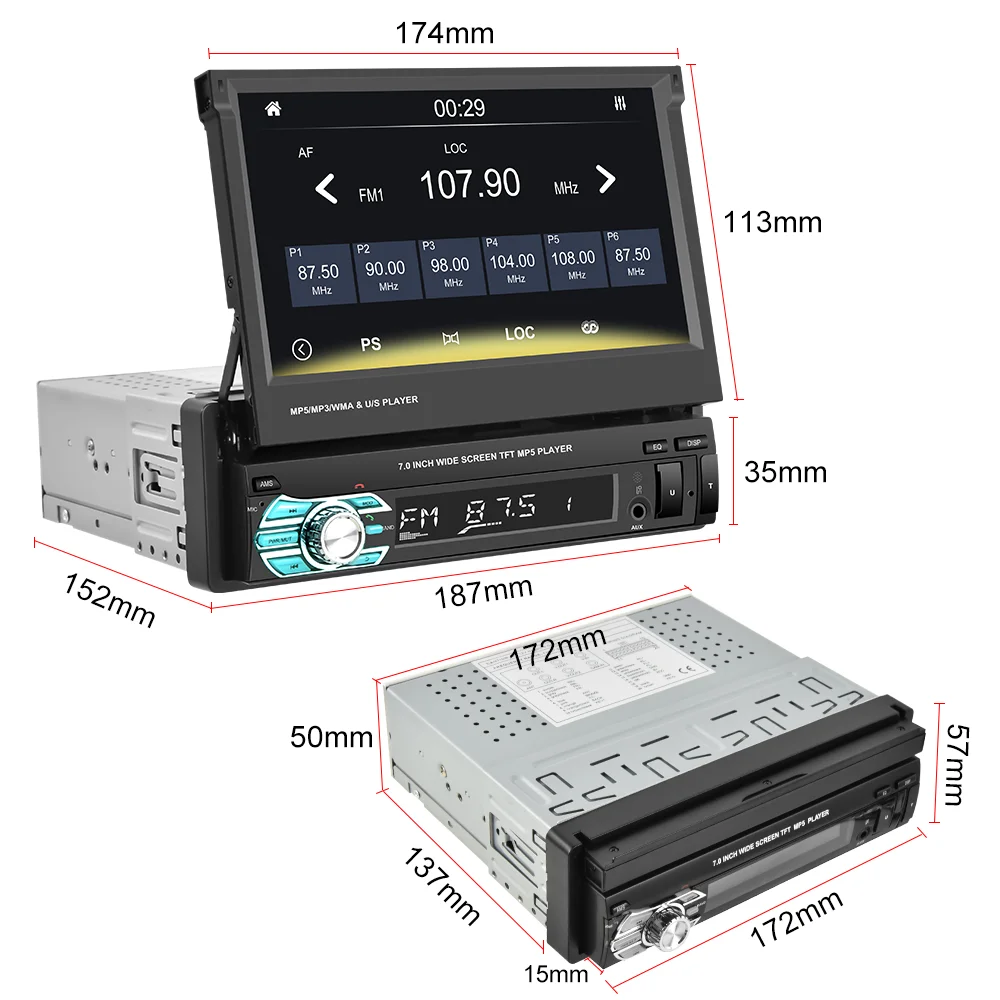
Item Size: 17.8cm*5cm*12cm
Item Weight: 1.65
Material: Aluminum+Plastic
Max External Memory: 256G
Model: 7 inch Retractable Touch Screen Car Radios
Multimedia 1 din: Multimedia android
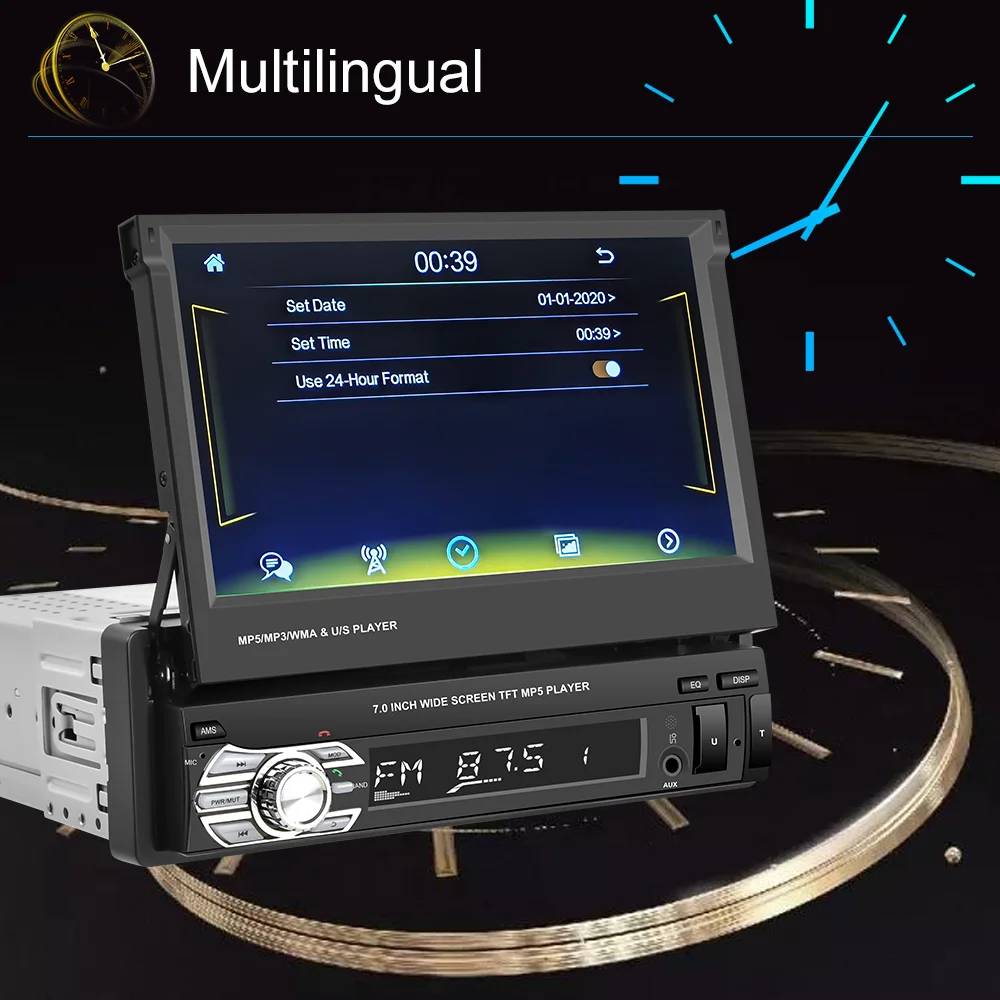
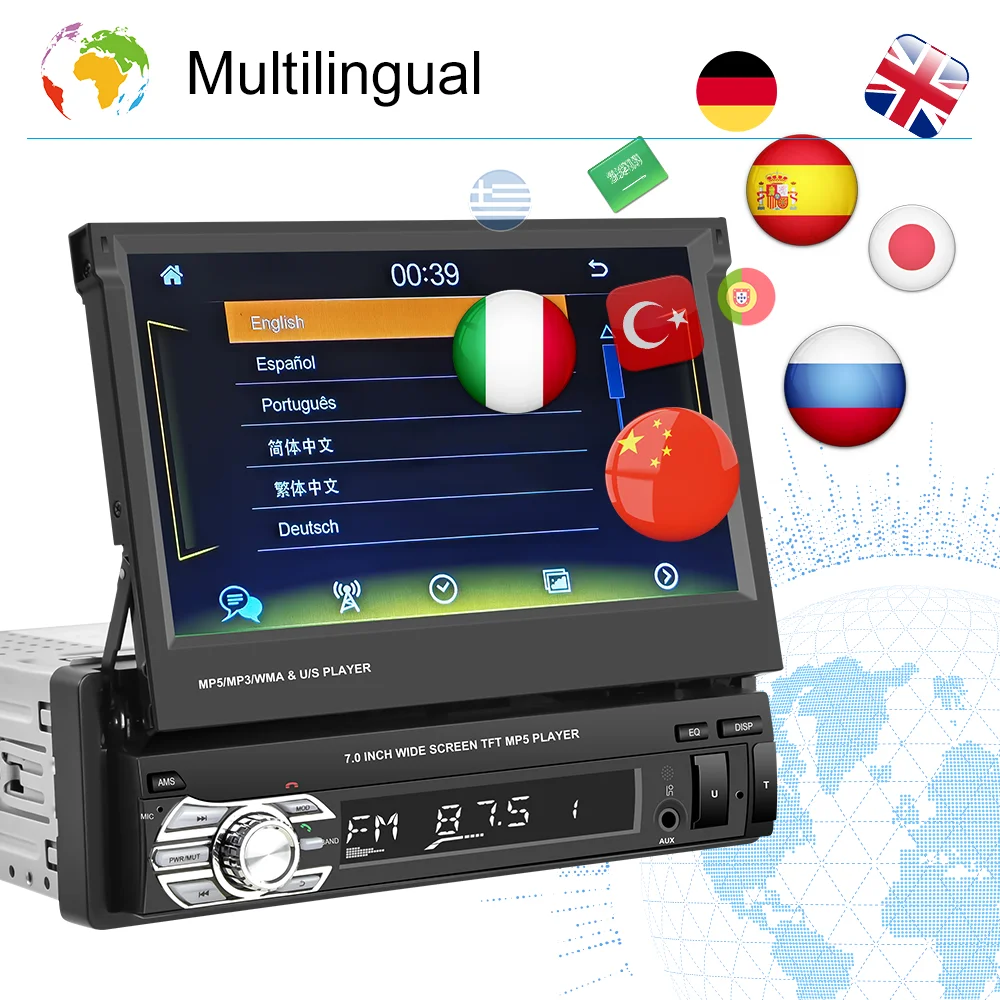
OSD Language: Chinese (Simplified),Chinese (Traditional),albanian,Arabic,Azeri,Irish,ESTONIAN,Belarusian,Bulgarian,Icelandic,Polish,PERSIAN,Boolean text (Dutch South Africa),Danish,German,Russian,French,Filipino,Finnish,Georgian,Haitian Creole,Korean,Dutch,Galicia,Catalan,czech,Croatian,Latin,Latvian,Lithuanian,Romanian,Maltese,Malay,Macedonian,Norwegian,Portuguese,Japanese,Swedish,Serbian,Slovak,Slovenian,Swahili,THAI,Turkish,Welsh,Ukrainian,Hebrew,Greek,Spain’s Basque,Spanish,hungarian,Armenian,Italian,Yiddish,hindi,Urdu India,indonesia,English,Vietnamese
Operating System: Windows Ce
Origin: Mainland China
Out Power: 45W*4~55W*4
Preset Station: 87.5-108 MHZ
Processor Speed: no
Processor Type: no
RAM: 1g
ROM: 2 G
Resolution: 1024*600 Car Radio Stereo
Special Features: Built-In Speaker/Microphone,Support steering wheel control,Charger,Mobile Phone,MP3 players
Special Features 1: Android Mirror link
Special Features 2: Carplay
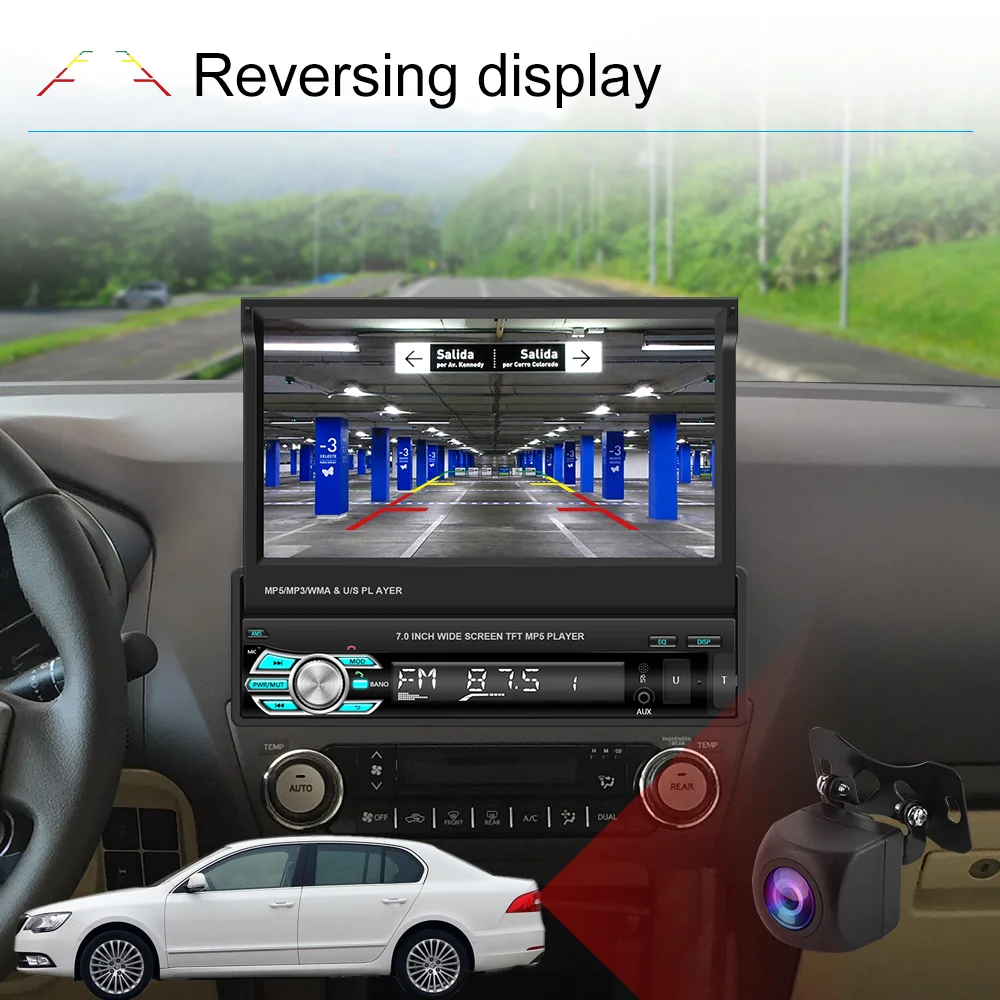
Special Features 3: Support AHD camera
TF/Micro SD Slot: 2
Tuner Type: FM
TypeC: One Din 7 inch Car Radios / Car Audio
Voltage: 12 V
Warranty: One-Year
carplay: Automotive multimedia
carplay screen: car radio with retractable screen
Features:
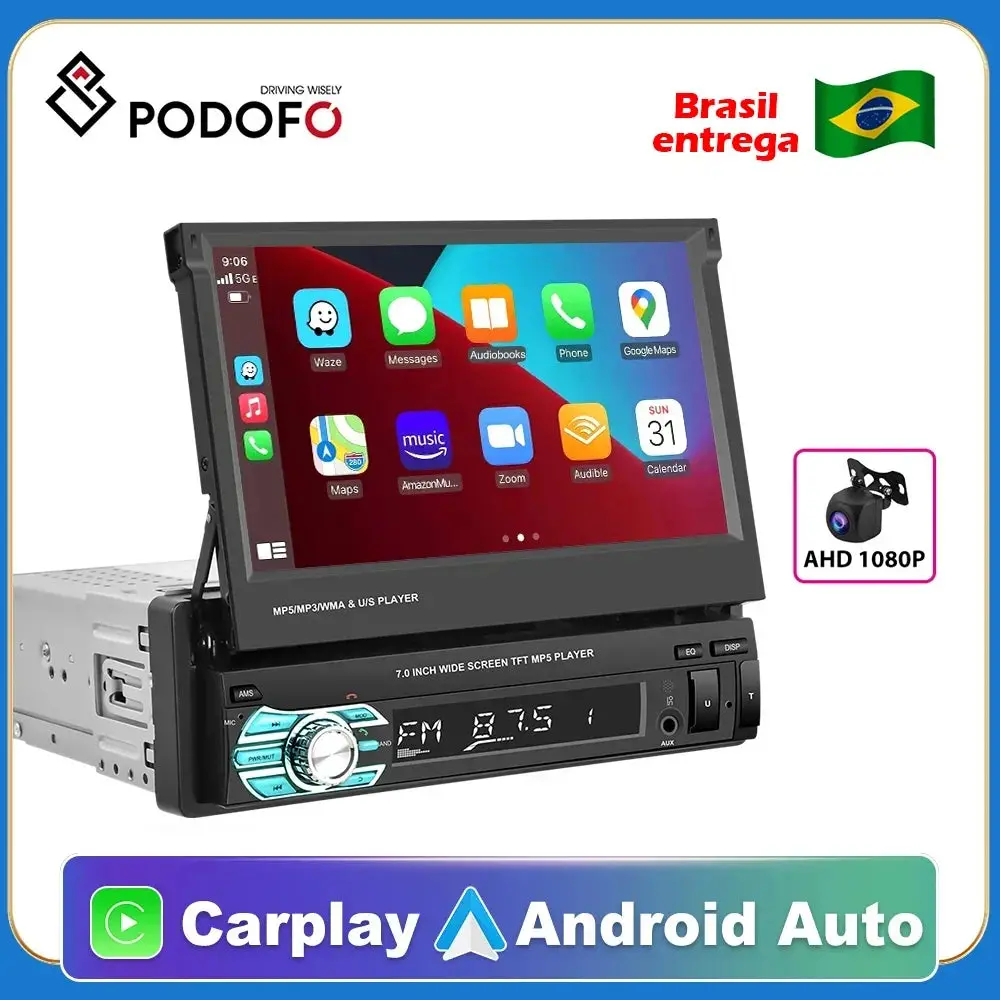
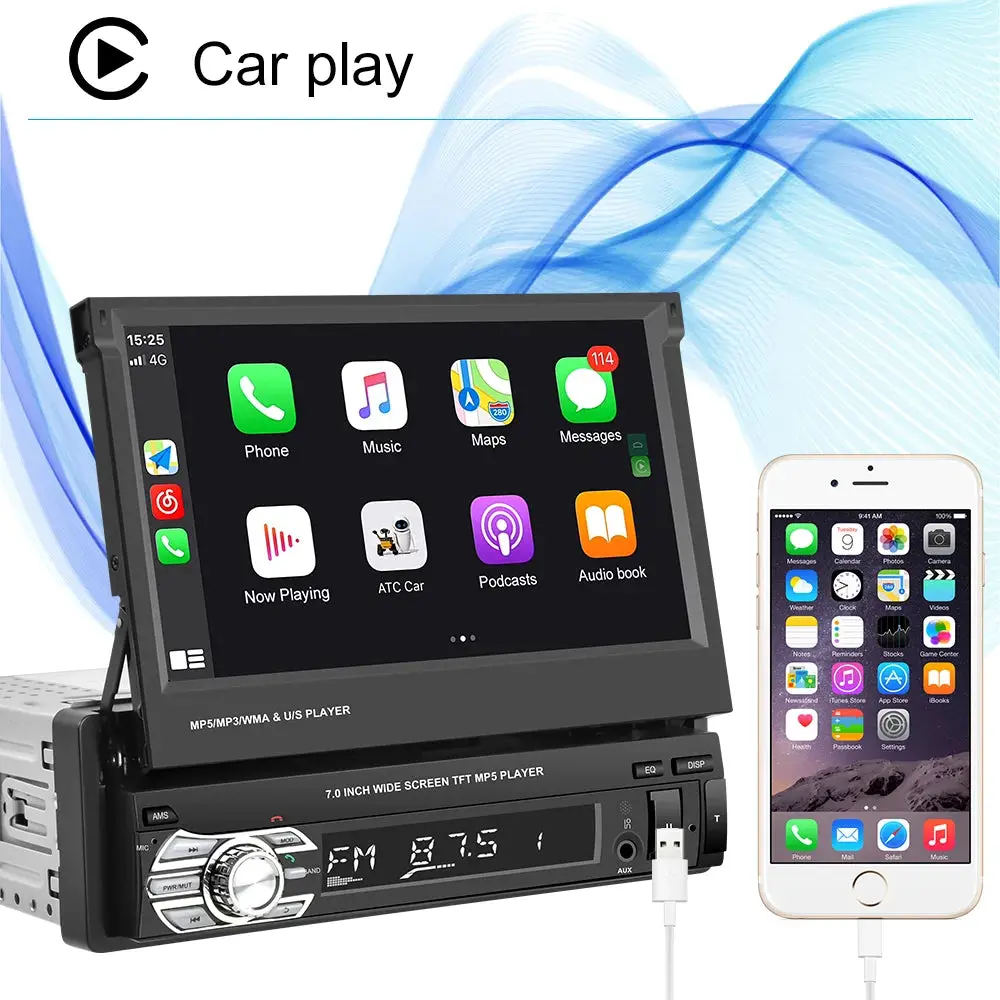
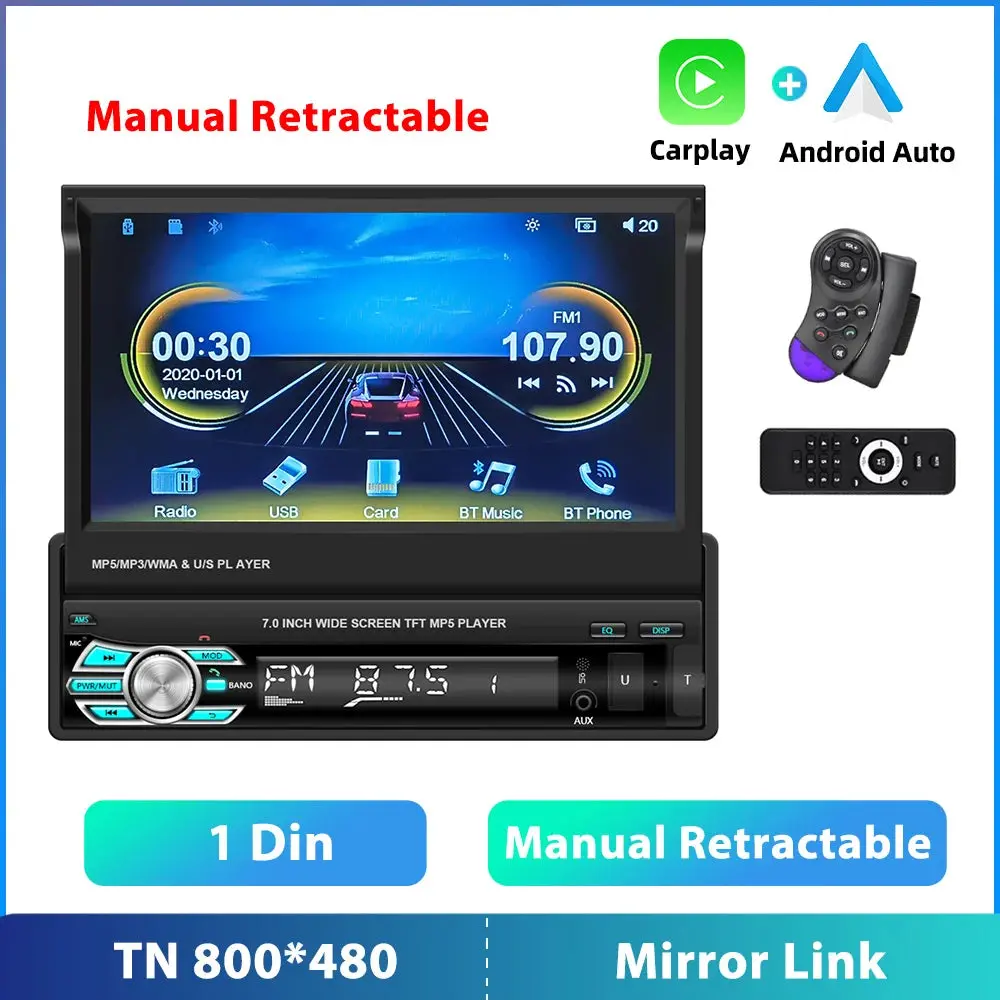
1. Built-in D-Play system: Connect with mobile phone to access mobile phone contacts, email, notification, map navigation, music, video and other information, and also implement voice control.
2. Android Auto ,Mobile phone download Android Auto, Use USB data cable to connect.
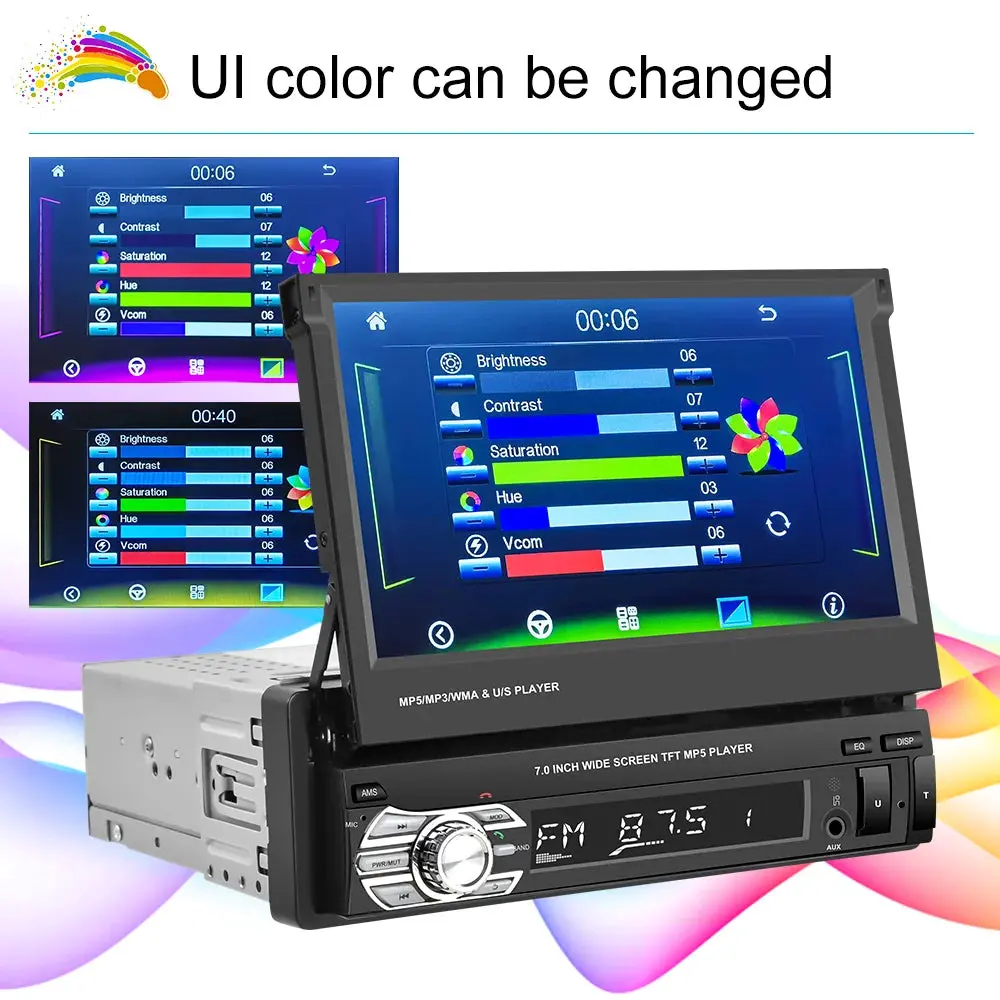
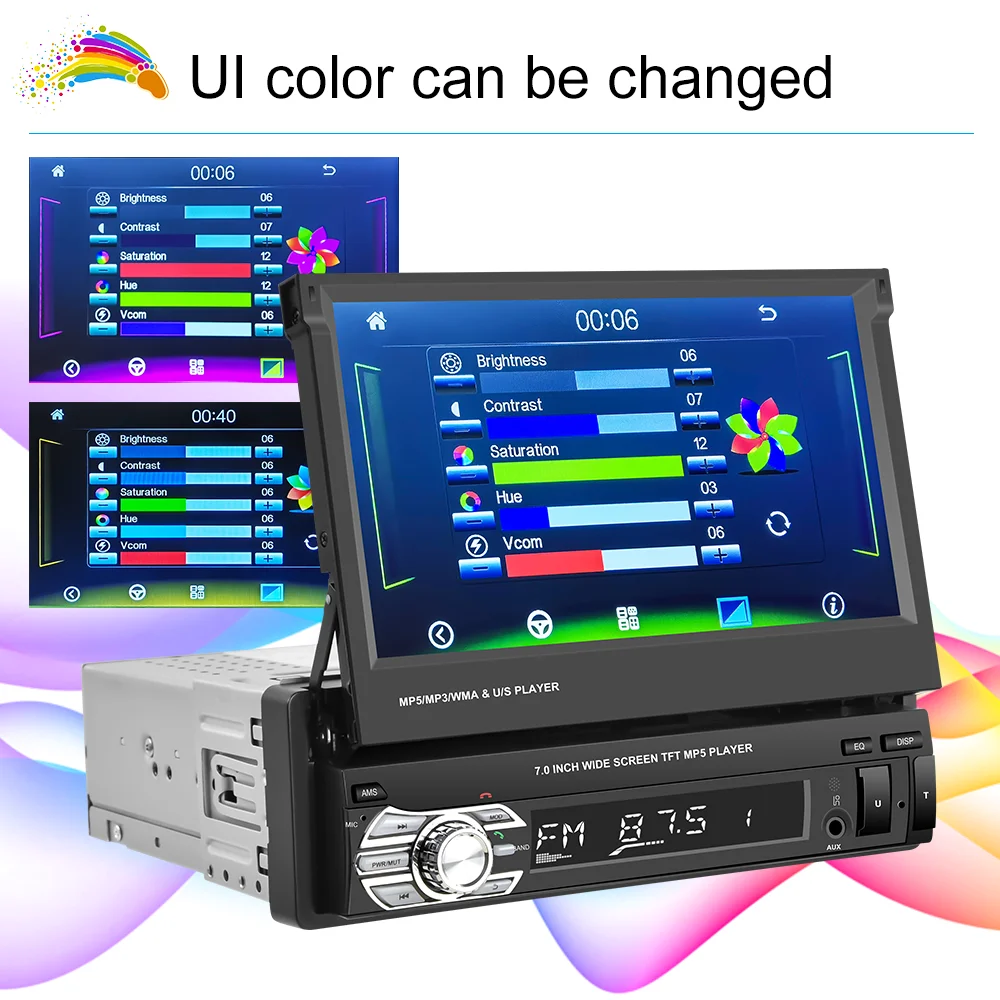
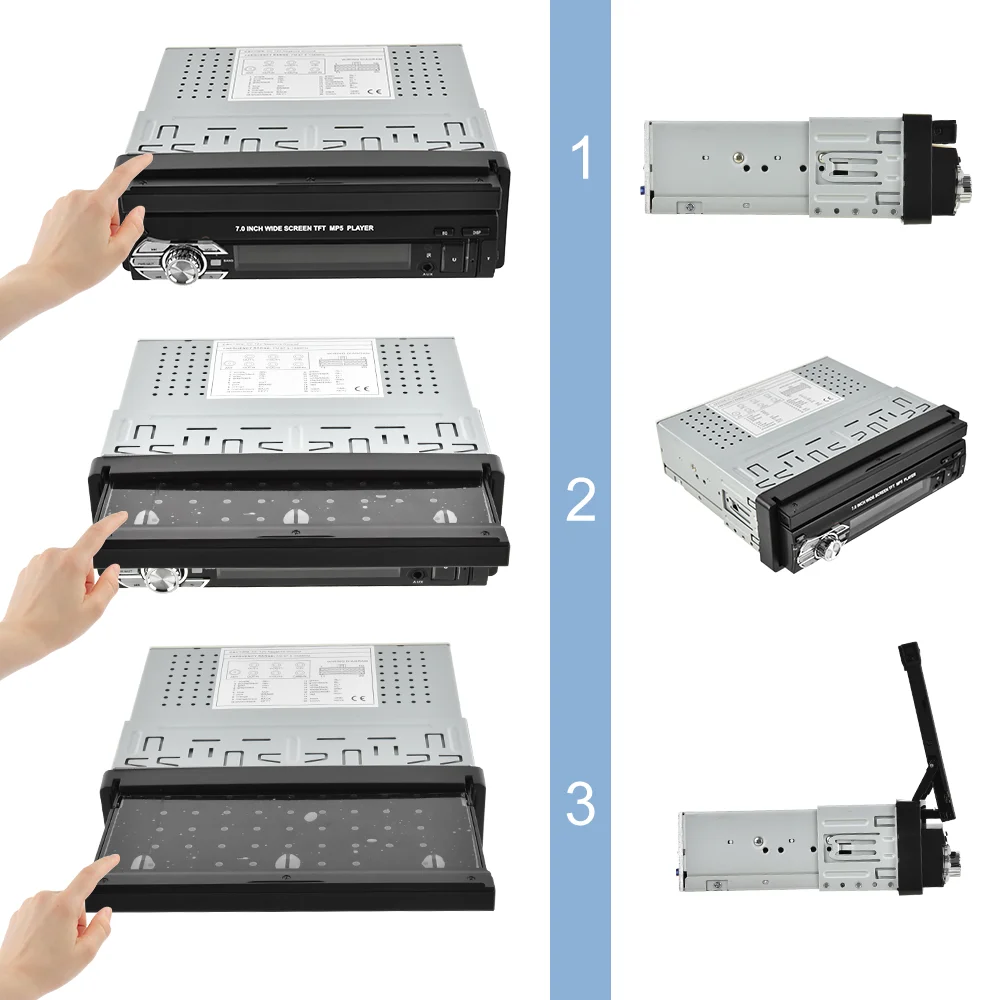
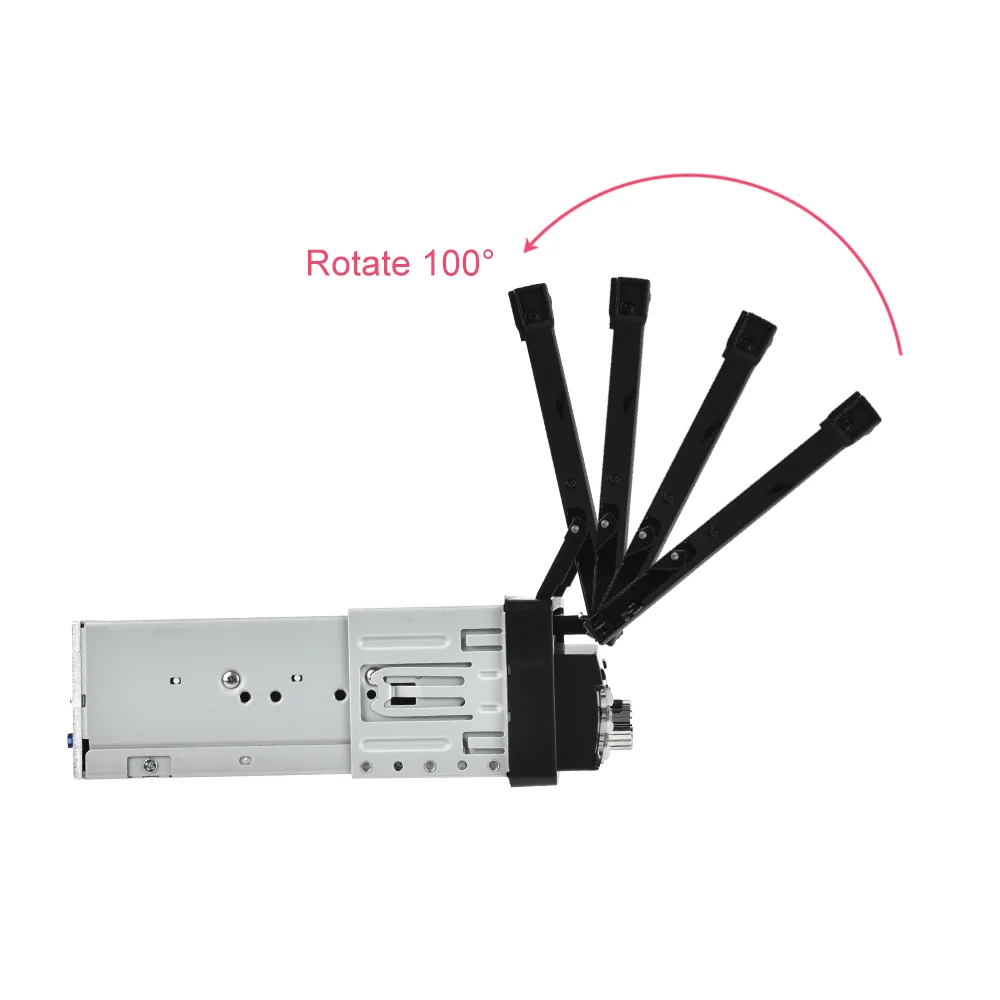
3. 7-inch high definition touch screen, capacitive folding touch screen.
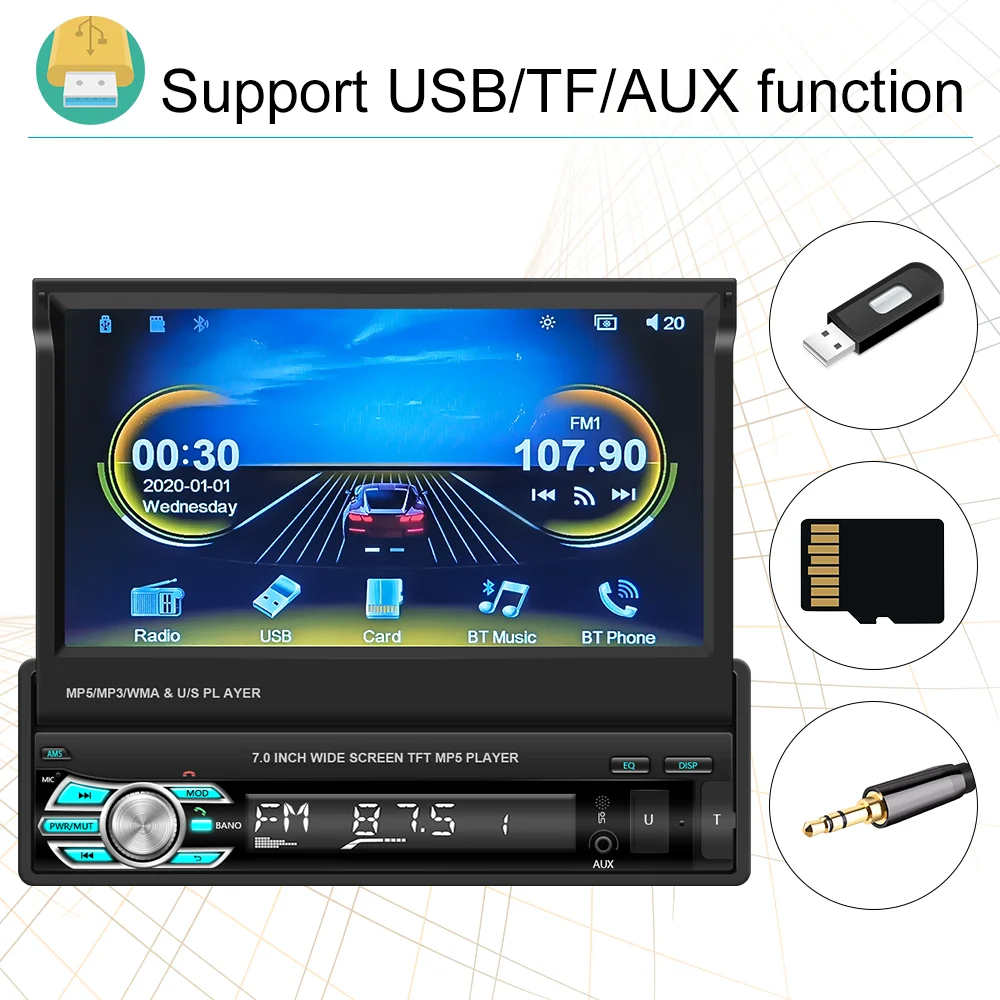
4. Support SD card, high-speed USB2.0 interface is compatible with a variety of U disk, removable hard drive, hot-swappable.
5. Multiple playback modes:Support USB playback&AUX music playback&Bluetooth playback.
6. Support Android/ Iphone Mirror Link:
IOS one-way: iOS supports mobile phone one-way projection to the machine
Android two-way: Android supports mobile phone two-way connection.
7. Full digital electronic control search radio stations, high-performance digital tuning FM radio automatically scans, 18 stations memory
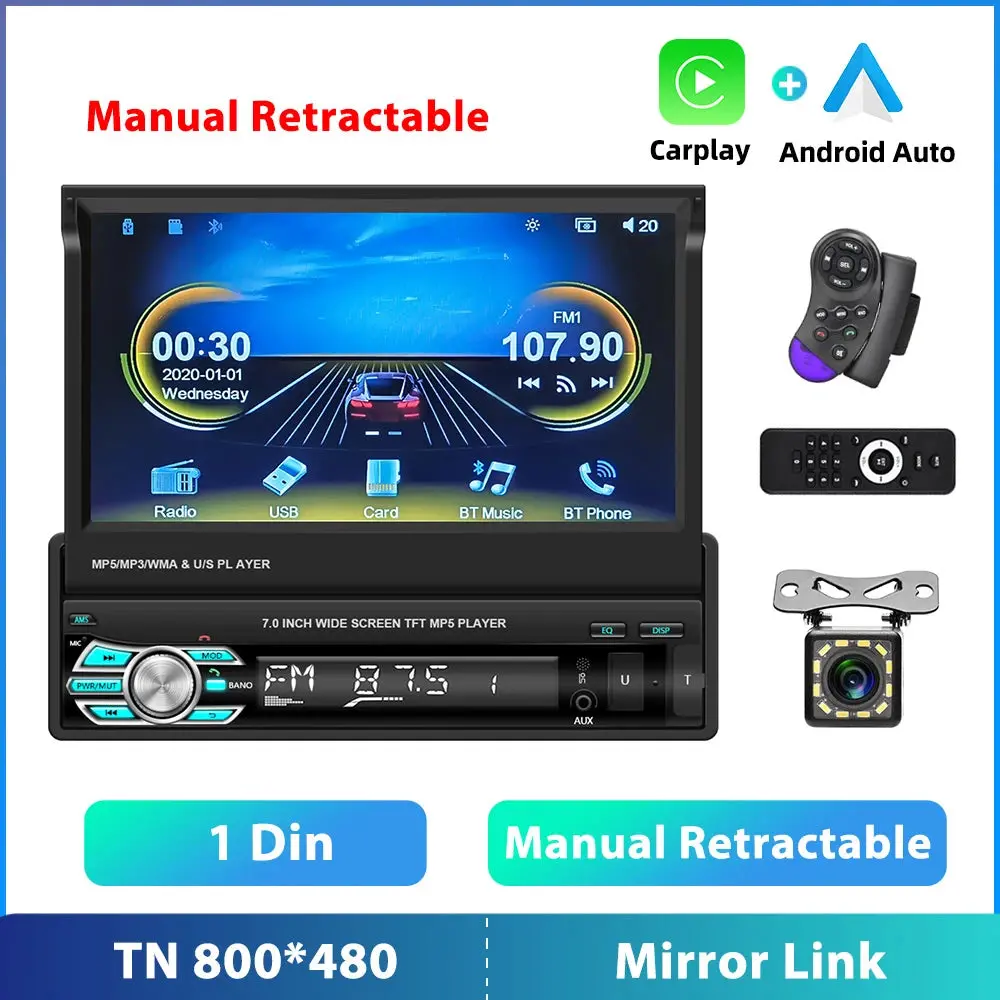
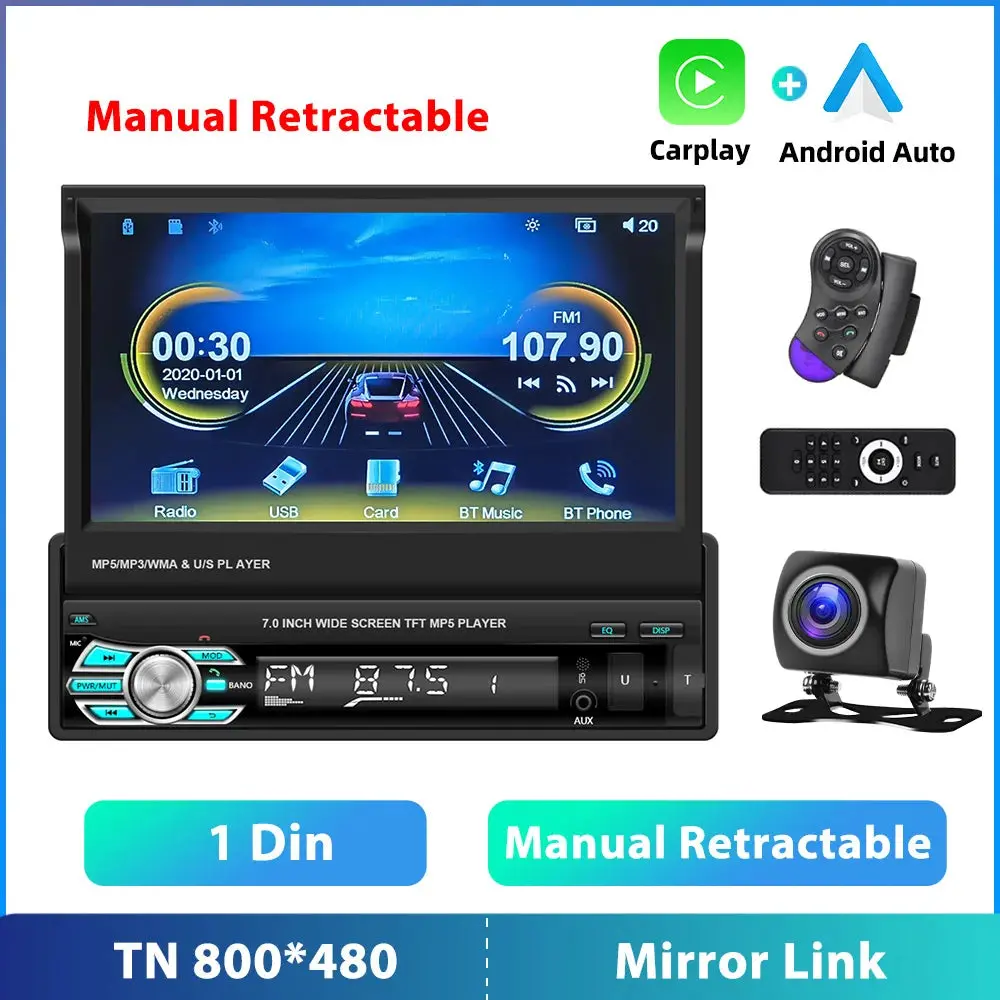
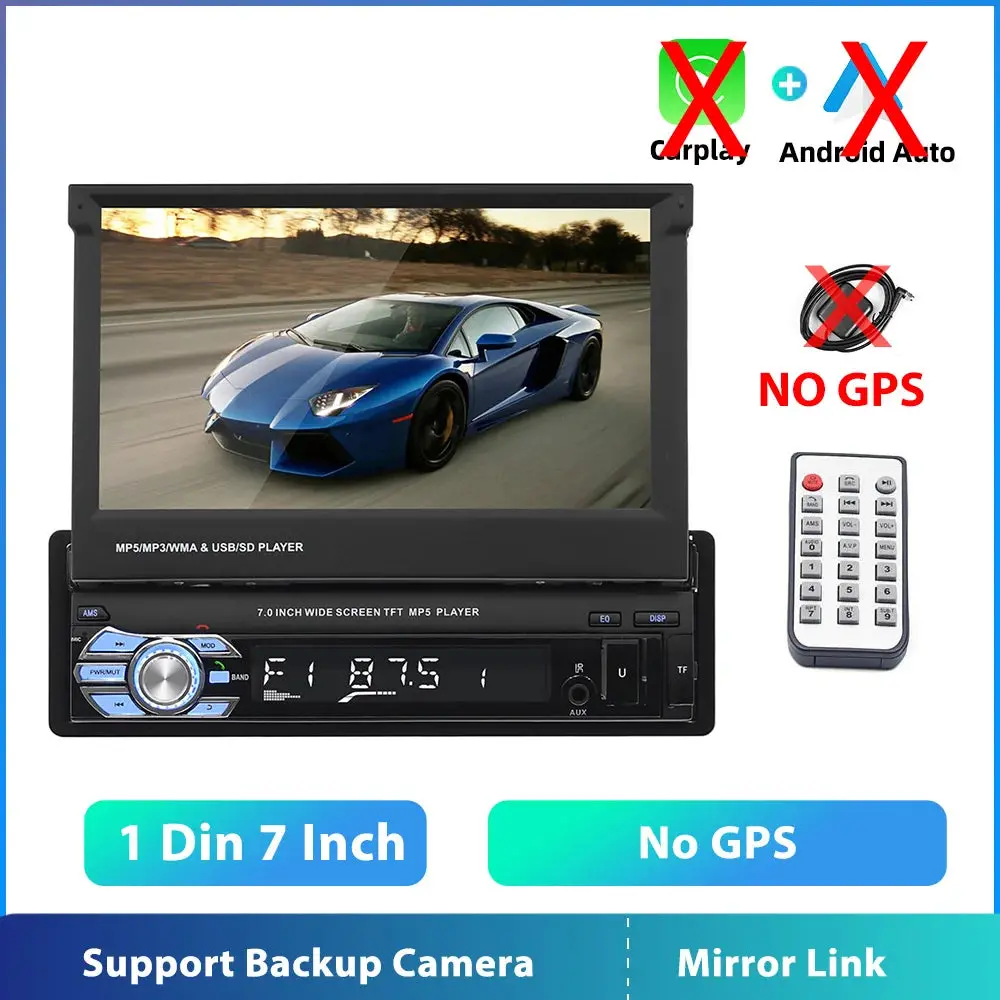
8. Rear view camera input function(optional):Need to choose the camera, if connect to a car backup camera, the car stereo monitor will turn to rear view reversing details automatically(require optional)
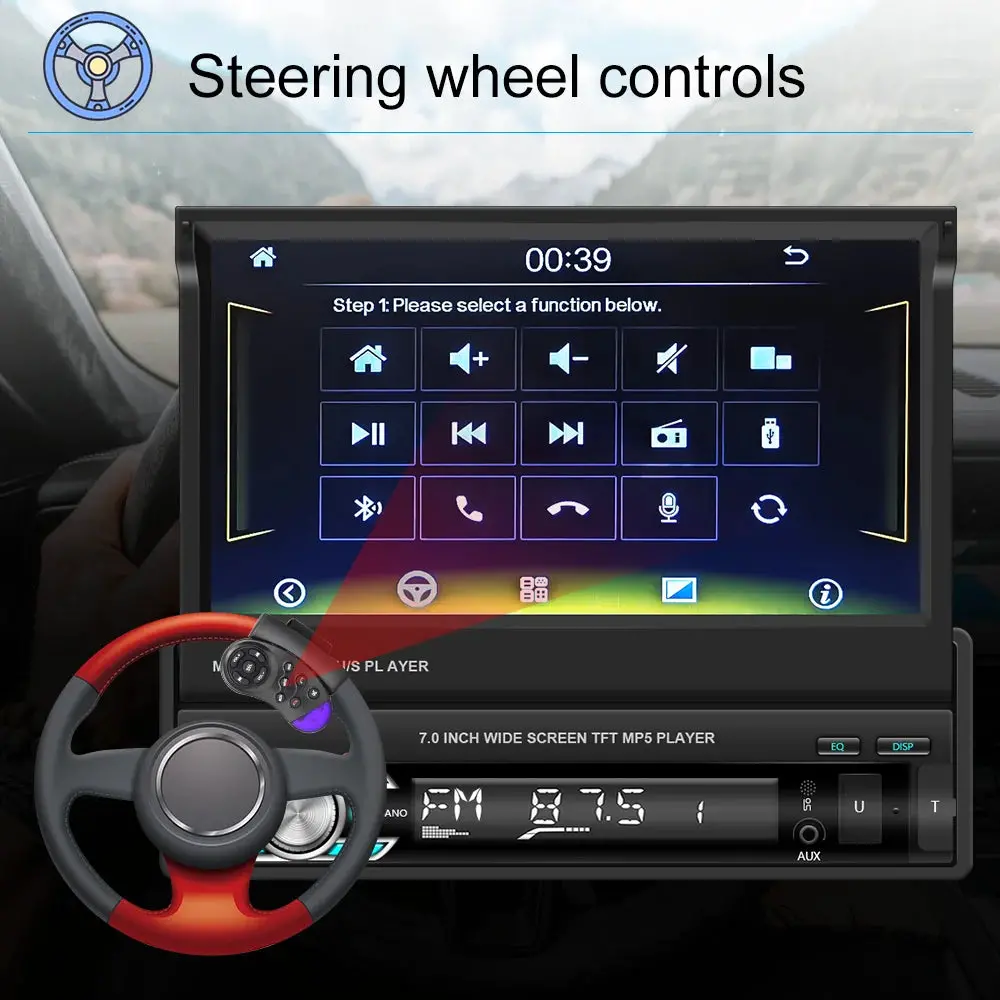
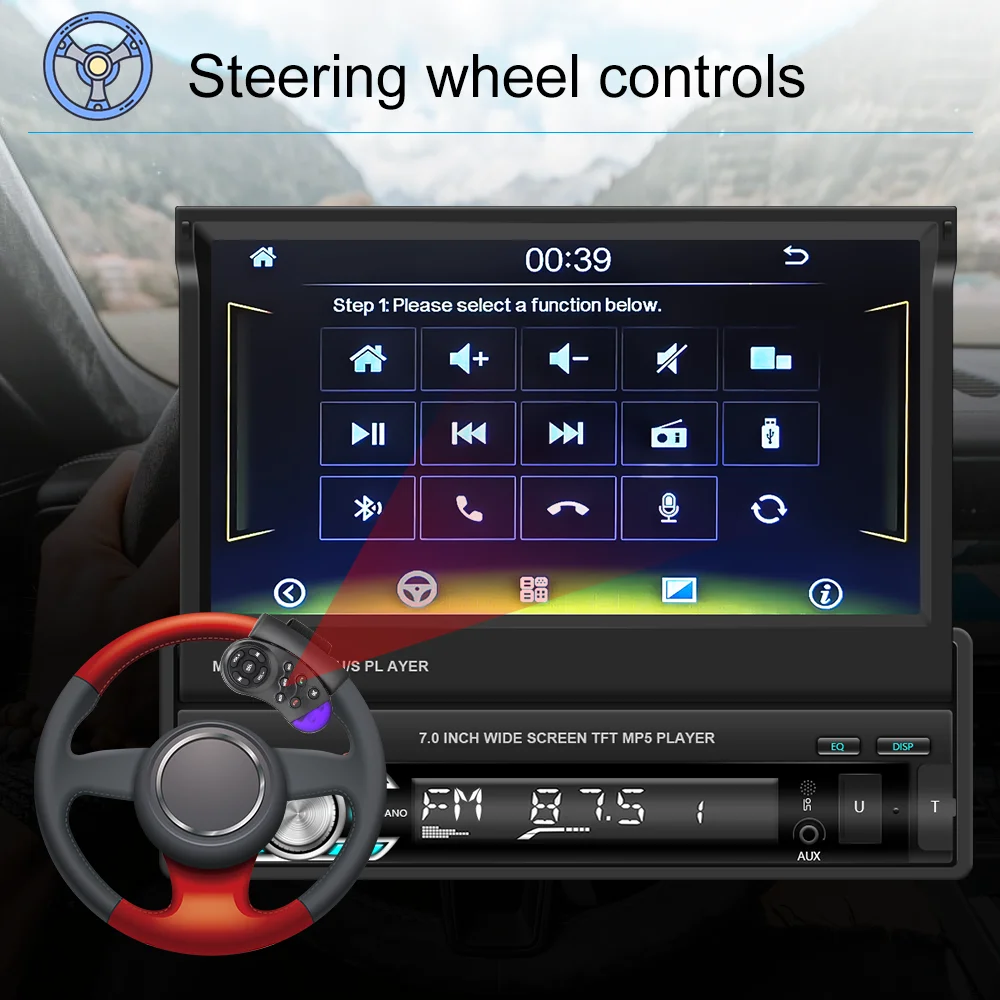
9. Steering wheel control:Support steering wheel button learning function, through it you can control the functions that you need by steering wheel, more convenient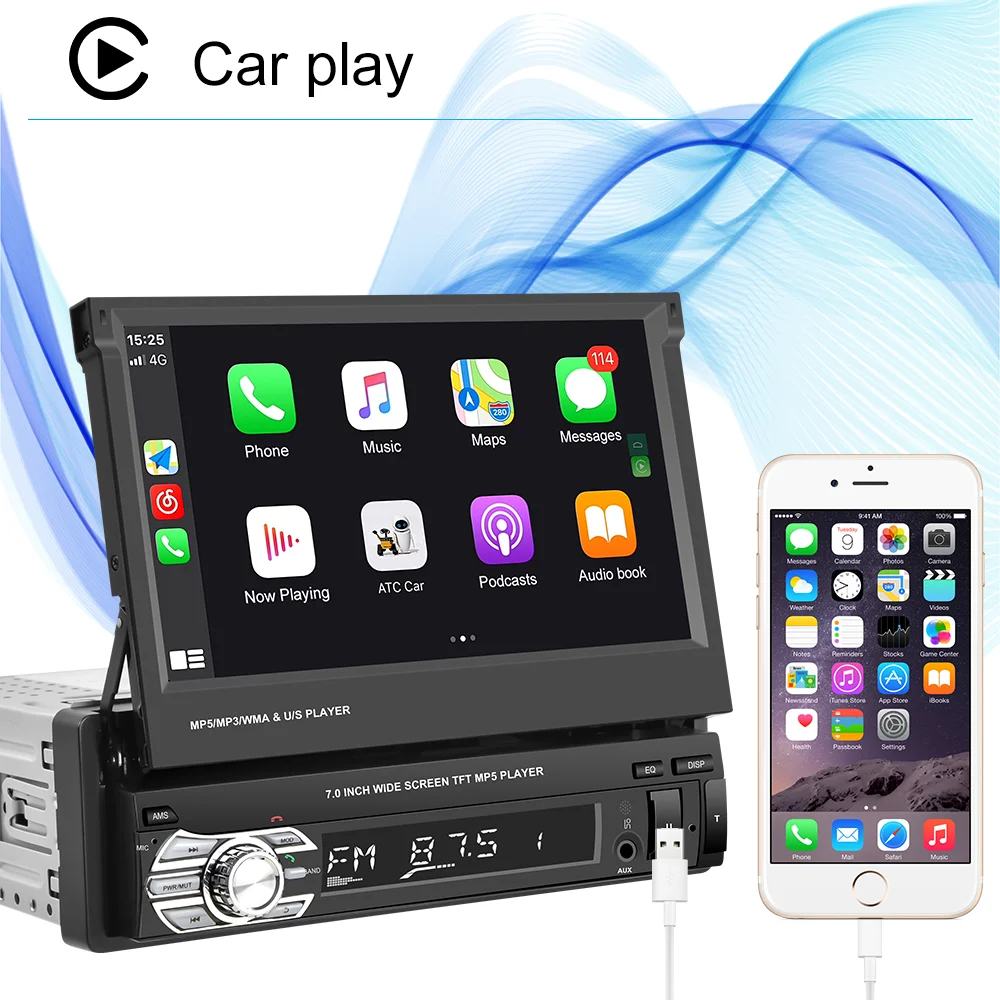
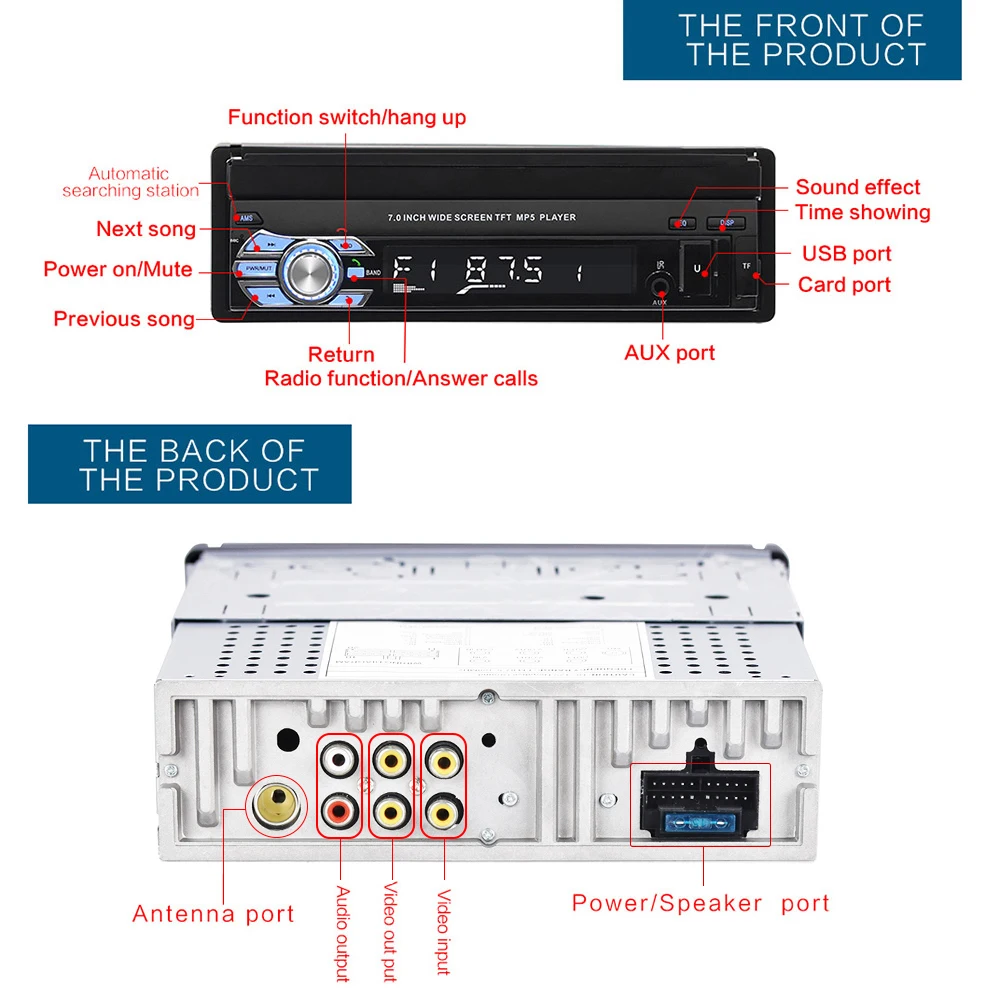
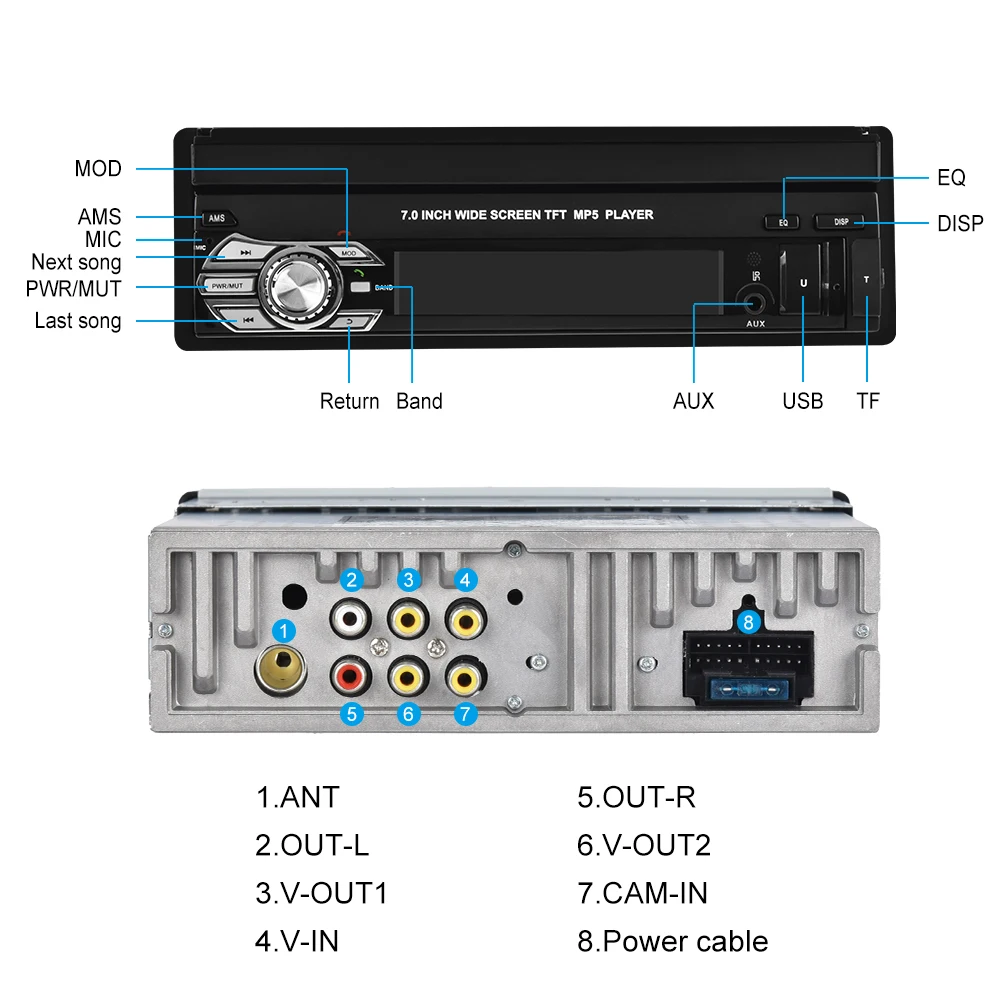
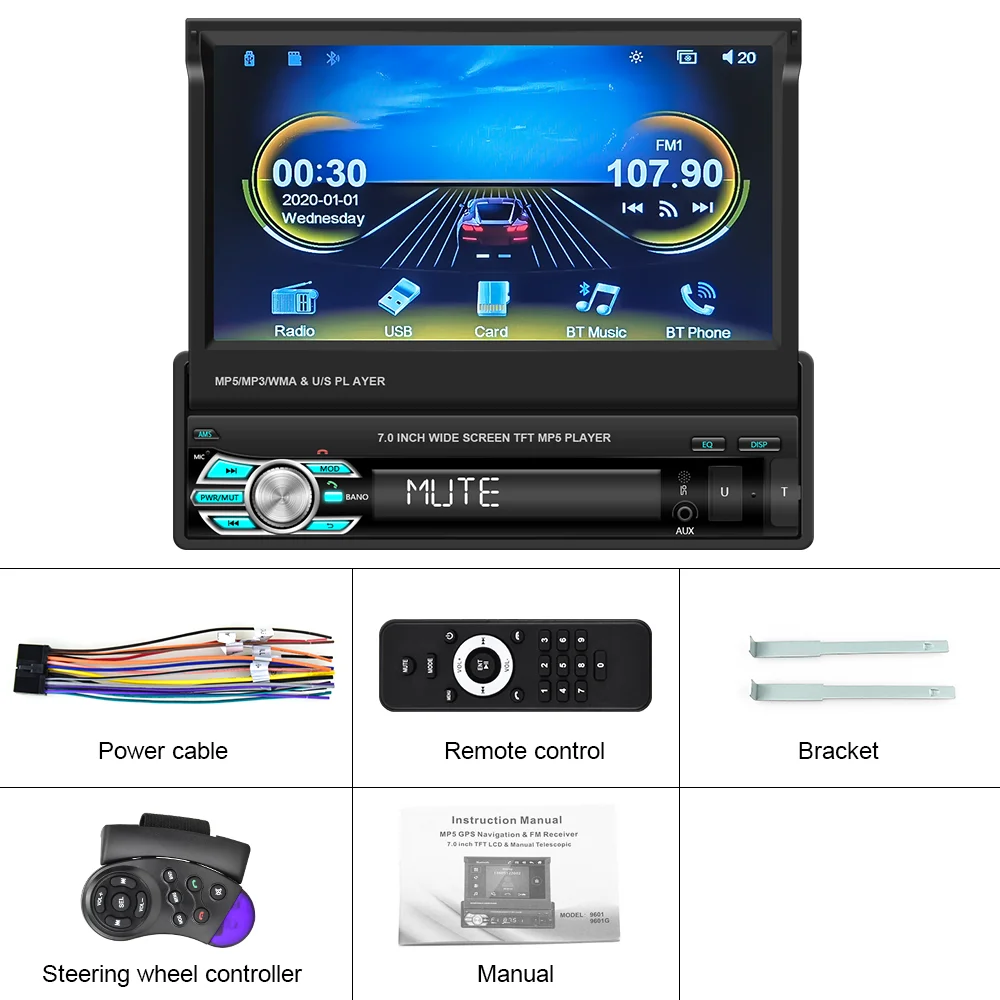
Specifics
Voltage:DC12V
Screen size:7” Retratable Front Panel
Mirror link:Support
Radio Band:FM
Power output:4*45W
USB Interface: USB2.0
Power amplifier chip:YD7388
Radio frequency:87.5-108MHz
Audio format:MP3/WMA/AAC/APE/OGG/M4A/RA/WAV
Video format:H264 DIVX HD(720P 1080I 1080P)AVI/FLV/MKV/RMVB/MPEG/ASF/TS/H264/QT
Picture format:JPEG/PNG/BMP/GIF/TIFF
language: English/Spanish/Portuguese/Simplified Chinese/Traditional Chinese/German/French/Turkish/Japanese/Russian/Italian/Polish/Dutch/Danish/Greek/Israeli
Package Included:
1 x Car MP5 Player
1 x Power Cable
1 x Remote control
1 x Steering Wheel Control Remote
2 x Disassemble key
1 x English Instruction manual
NOTE: 1.If you want the rear view function,please choose the one that with the small camera.
2. If you want the GPS navigation,please choose option 1.
3.If you have any other requirements ,please feel free to contact us.
FAQ:
Q1.Why the car radio can’t turn on ?
1>Please check the Voltage of car radio :DC 12V
2>When you test this car radio,you can combine the red and yellow wires and connect them to the positive side of the power supply.Black line to negative power supply.
3>Replace the same type of insurance to test the car radio.
Note:
Please msut use our power cables to connect our car radio,it is not possible to insert the original car plug directly into our machine.
Q2.Why the car radio will show “No Signal” when we reversing?
>Please check if the camera’s line is properly connected to the car radio.
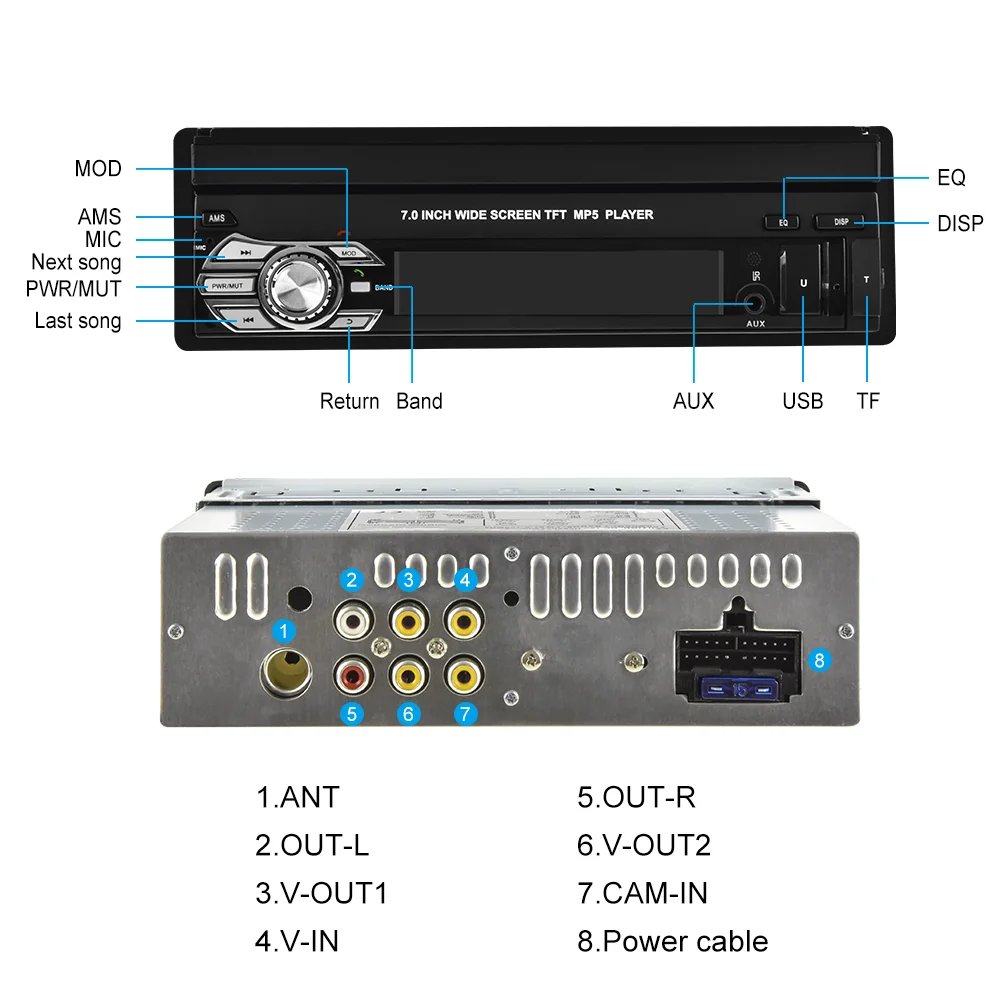
>Note:The video port of rear camera must insert the “CAMIN” port of car radio.
Q3.Why does the camera display “!” and “Can’t watch video while driving” when I use USB to watch videos?
> Please turn off the “Video Warning” function in the settings,then will be OK.
Q4.Why the car radio will show time after we turn off this?
>That time clock is a function for the car radio ,that can’t be removed.In fact that car radio had been turn off,it save the time are more convenience for people to see,
>If you didn’t need this,you need to unplug the power positive and negative.
Q5.Why haven’t sound in car radio when playing the music?
>1.When you are not using our original audio cable, please check if your audio cable is suitable for our camera.
>2.Please check if there is any collision between the lines.
>If the line is connected, there will be no sound when the speaker cable touches the speaker cable.There is also no sound when the power cord touches the speaker cable.
>If the problem still here,please use a single speaker to connect a group of audio cables to test the car radio. The four speaker cables are connected separately to see if there is any sound.
Q6.Why can’t search FM?
>1. No radio antenna inserted.
>2. Please check if the radio antenna is plugged in. Please insert more antennas several times to make it well contacted.
>3.The signal of your location is not good. Please go to a better place to test again.
>4.The radio antenna on the car is broken/no effect; please replace the radio antenna and test again;
Q7.Why can’t connect the Bluetooth of car radio?
>1.Open the phone settings interface, open the Bluetooth in the Bluetooth function, search for Bluetooth devices, find the player’s Bluetooth model to be paired; if you need a pairing code, enter 0000; if not, try 1234 or 123456.
>2.Please try to use another mobile phone to test this function.All methods are correct and still cannot use Bluetooth, Please unplug the plug on the back of the player and plug it in after 3 minutes.
Explore more from our collection.

Reviews
There are no reviews yet.